Common Sportzfy APK Installation Problems
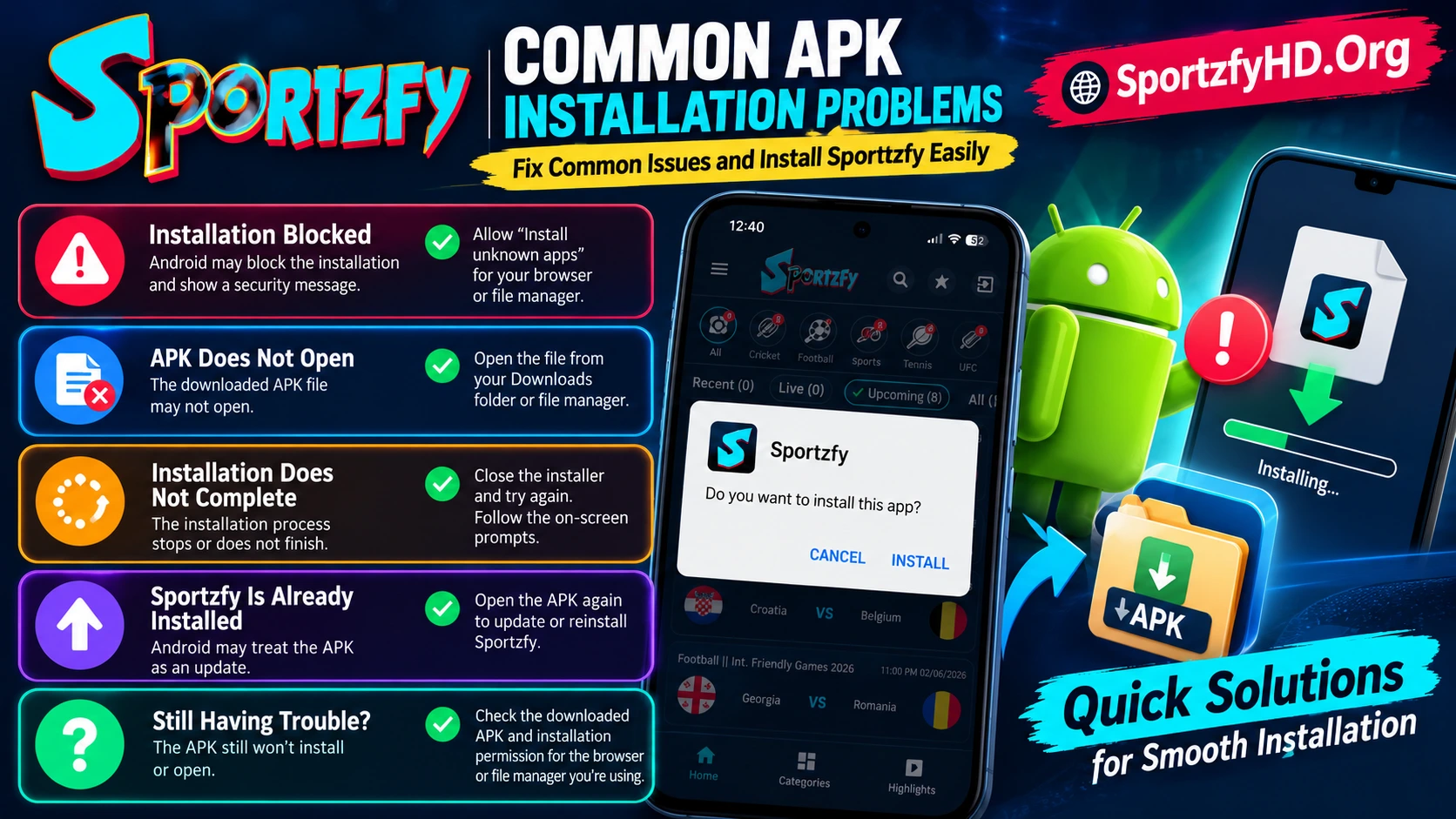
Installation Blocked
If Android blocks installation, check the Install unknown apps permission for the browser or file manager you are using.
APK Does Not Open
Try opening the file from your Downloads folder or file manager.
Installation Does Not Complete
Close the installer and try opening the APK again. Follow any Android permission or security prompts shown on screen.
Sportzfy Is Already Installed
Android may treat the APK as an update rather than a new installation if Sportzfy is already installed.
Still Having Trouble?
Check the downloaded APK and the installation permission for the browser or file manager opening it. Menu names may differ between Android devices.