What You Can Access After Installing Sportzfy
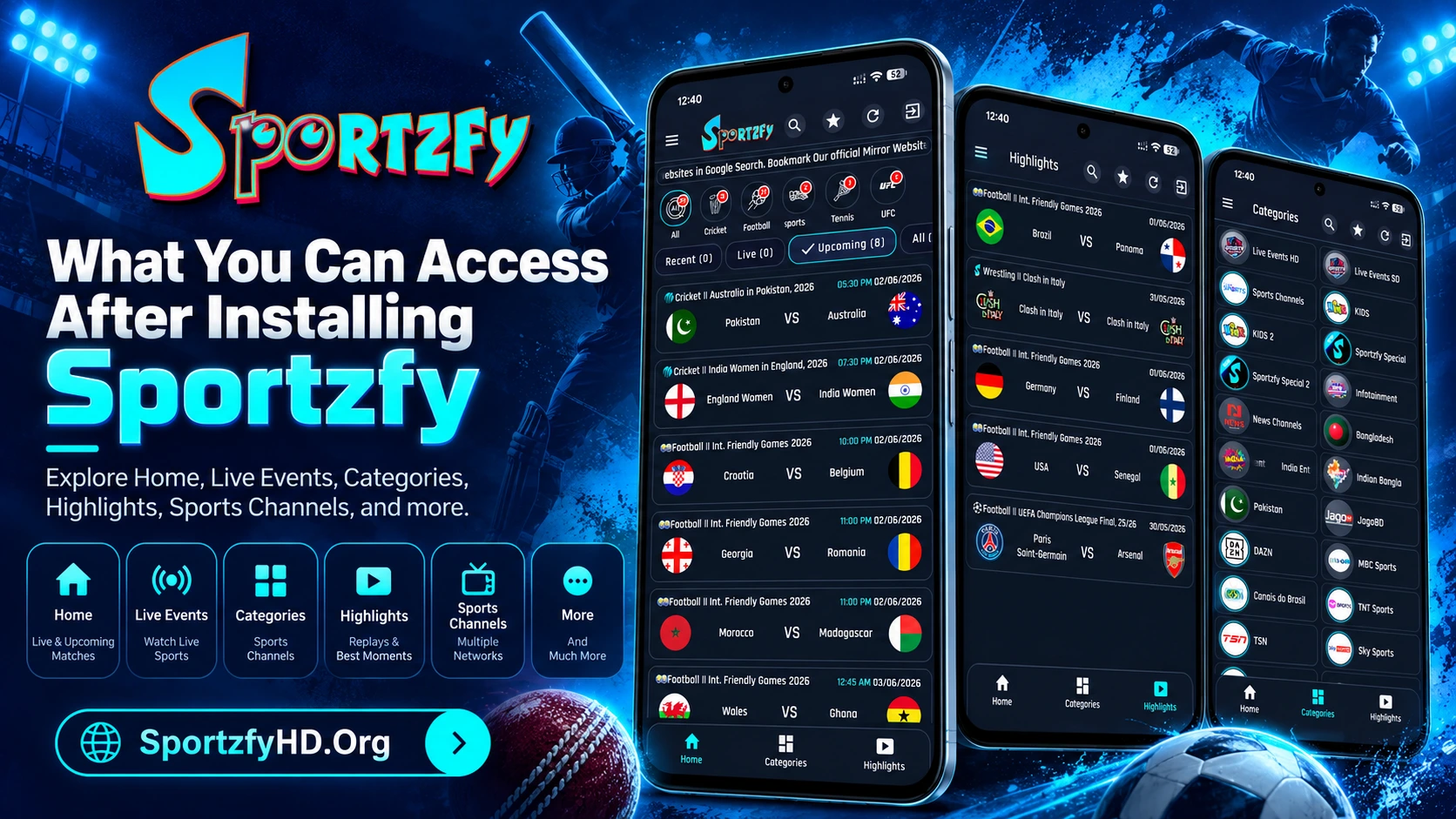
Once Sportzfy is installed, you can start exploring the main sections directly from the app interface. The Home screen is usually the best place to begin because it separates events into Recent, Live, Upcoming, and All tabs.
Some of the main sections available after installation include:
- Home – Browse recent, live, upcoming, and all events.
- Sports Filters – Switch between Cricket, Football, MMA, MotorSports, and Wrestling.
- TV Mode – Browse channel-based content.
- Categories – Open grouped sections such as HD/SD live events and Sports Channels.
- Highlights – Check past match and event entries.
- Favourites – Keep selected live events and channels together.
Extra tools include:
- Floating Player
- Multi Floating
- Playlists/IPTV
- Network Stream
- Video Quality Settings